
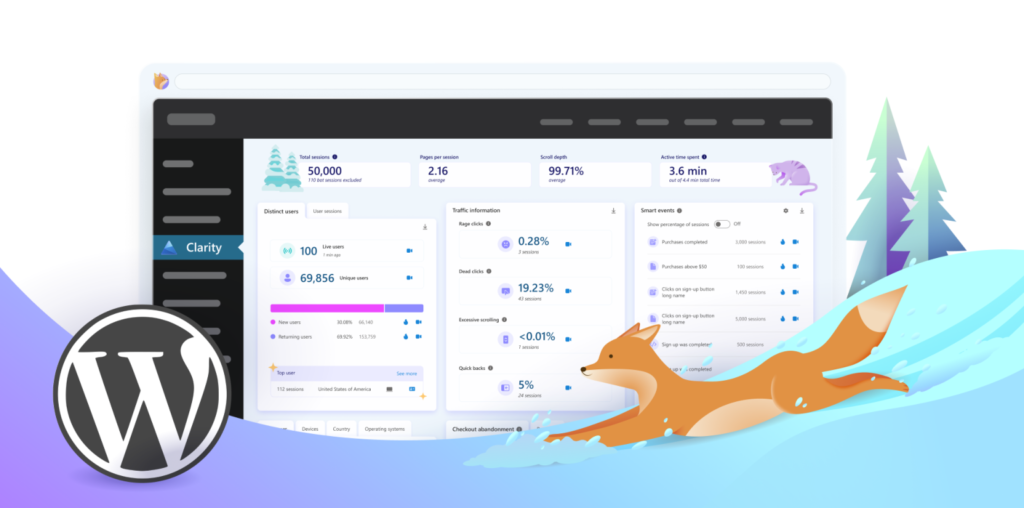
If I could install only one free tool on a business website, it would probably be Microsoft Clarity.
The reason is simple.
Most business owners have no idea what visitors actually do after they arrive on their website.
You can see how many people visited your site in Google Analytics, but that doesn’t tell you why someone didn’t call, submit your contact form, or become a customer.
Microsoft Clarity fills in that missing piece.
What is Microsoft Clarity?
Microsoft Clarity is a completely free website analytics tool that records anonymous visitor sessions.
Think of it like a security camera for your website.
You can watch real visitors as they:
- Move their mouse
- Scroll through your pages
- Click buttons and links
- Fill out forms
- Get confused
- Leave your website
No guessing. No assumptions.
You can literally watch how people use your website.
Problems I’ve Seen With Clarity
Over the years I’ve found countless issues that business owners never knew existed.
Some examples include:
- Visitors clicking on images that weren’t actually clickable.
- People scrolling right past important call-to-action buttons.
- Customers searching all over the page trying to find a phone number.
- Visitors abandoning contact forms halfway through.
- Mobile users struggling with buttons that were too small.
- Pages where people gave up after only a few seconds because they couldn’t find what they needed.
Without Clarity, these problems would have remained hidden.
Heatmaps Show Where People Pay Attention
Another feature I love is Heatmaps.
Instead of watching individual recordings, Heatmaps combine thousands of visits into one visual report.
They show:
- Where visitors click the most
- How far they scroll
- Which sections receive the most attention
- Which parts of the page are completely ignored
This makes it incredibly easy to spot opportunities to improve your website.
Small Changes Can Make a Big Difference
Many businesses think they need an entirely new website.
Sometimes they do.
But other times, something as simple as:
- Moving your phone number higher on the page
- Making a button more visible
- Simplifying a contact form
- Rearranging your content
- Improving mobile navigation
can significantly increase the number of leads your website generates.
The only way to know is by looking at real visitor behavior.
Is It Really Free?
Yes.
Microsoft Clarity is completely free to use.
There are no monthly fees, and for most small and medium-sized businesses, it provides more than enough insight to improve your website.
Final Thoughts
Your website shouldn’t be a guessing game.
Every visitor leaves behind valuable information about what’s working and what isn’t.
Microsoft Clarity allows you to learn from real users instead of making assumptions.
If you’re serious about generating more leads from your website, installing Clarity is one of the smartest—and easiest—improvements you can make.
If you’d like someone to review your Clarity recordings and identify opportunities to increase conversions, I’d be happy to take a look. Sometimes a few small improvements are all it takes to turn more visitors into paying customers.